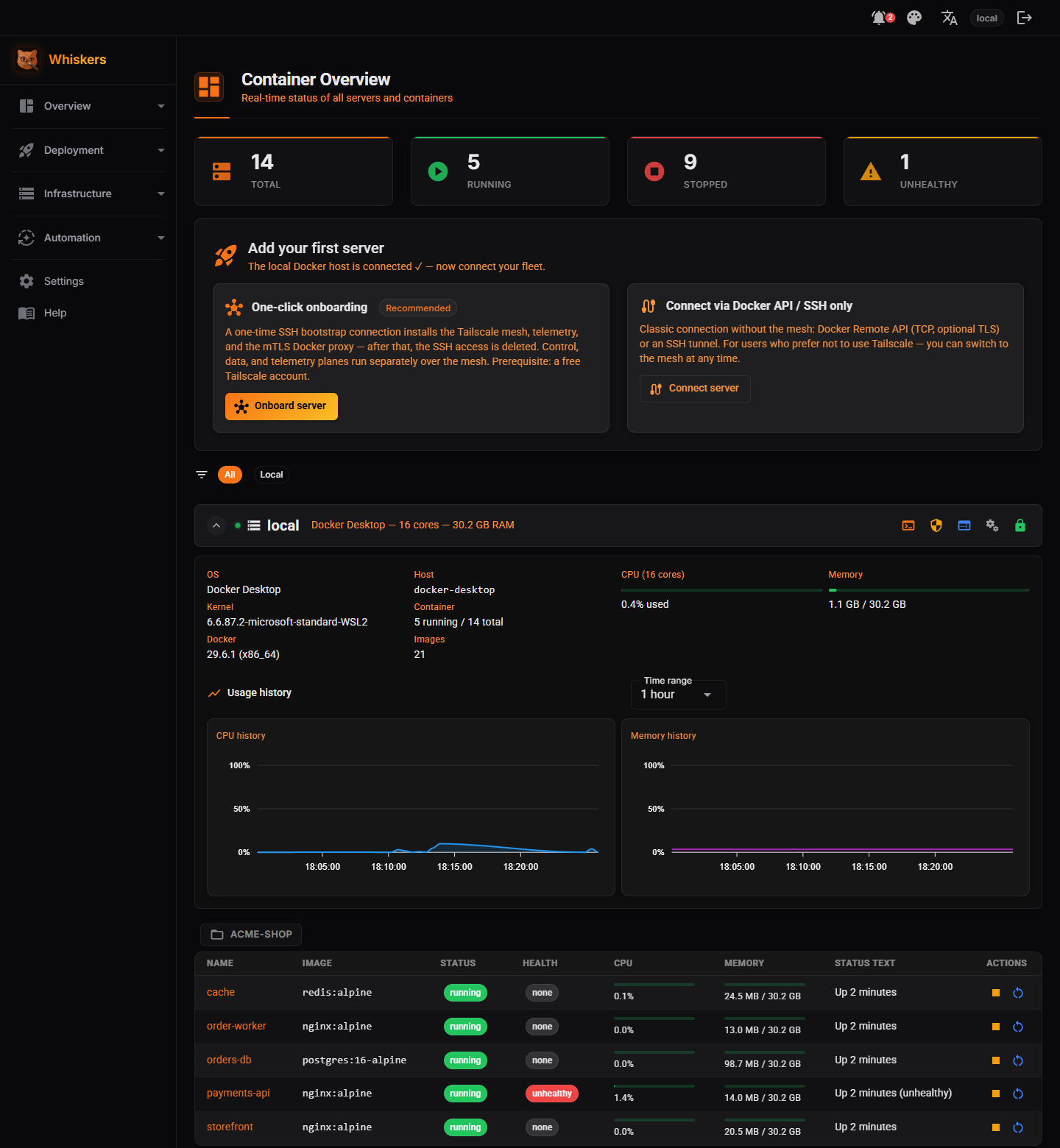
The core of Whiskers is not another dashboard — it is the governance layer between your infrastructure and whoever operates it, human or AI. Instead of handing out a shell, Whiskers exposes explicit tools, each gated by permissions, checked by code-enforced guardrails, and — when it matters — held for your approval.
The problem it solves
Letting an AI agent act on infrastructure usually means giving it an SSH key or a shell. That credential is god mode: it can do anything, rarely expires, and if the controller is compromised every server falls with it. Prompt-level rules (“please don’t delete anything”) are not a control — the model can ignore them, be jailbroken, or simply be wrong.
How governance works
1 · Permissions — what an actor may attempt
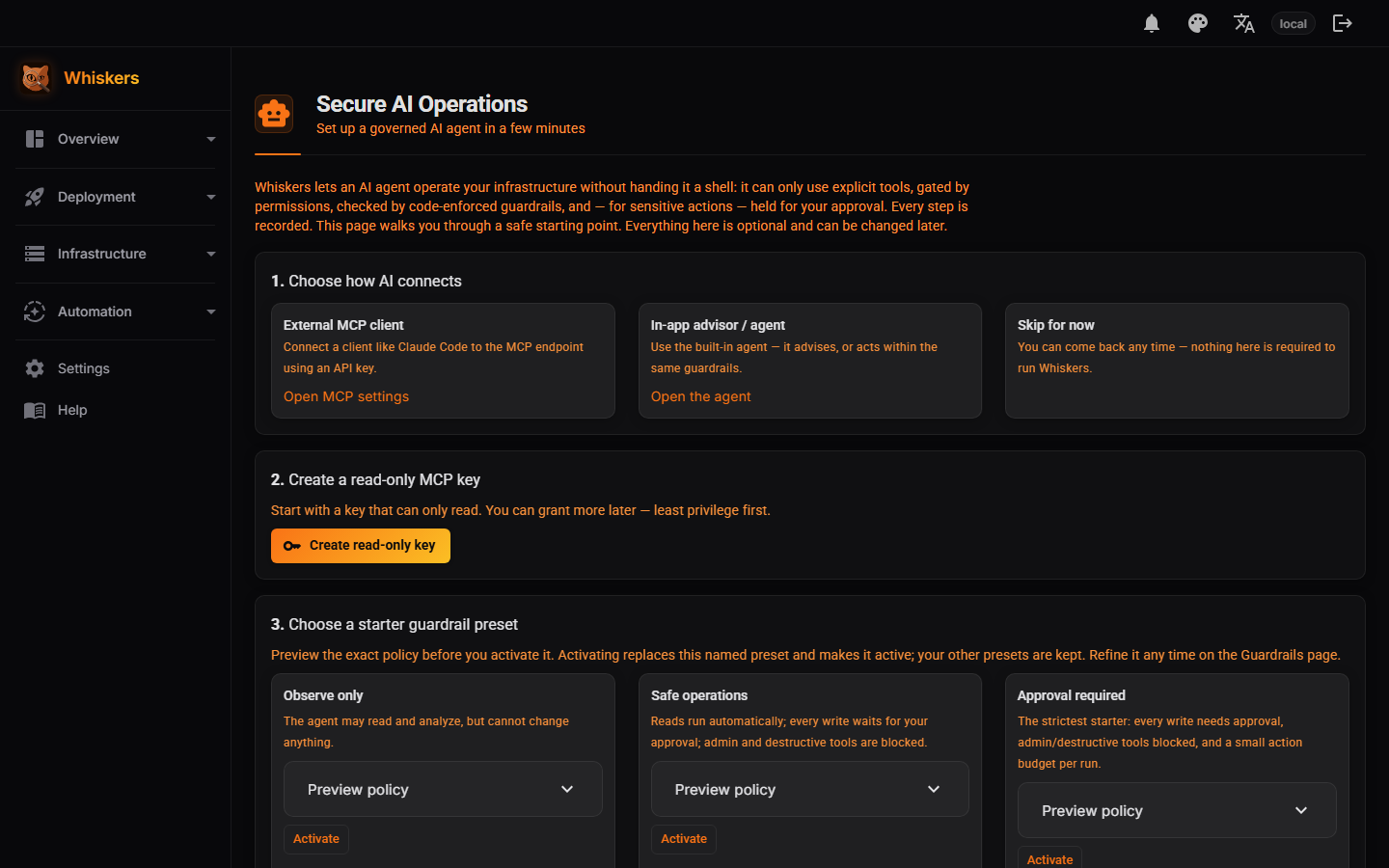
Every MCP API key carries a level: Read, Write or Admin, or an explicit allow-list of individual tools. A read key can inspect and analyze but never change anything. Give an agent the least it needs.
2 · Explicit tools, not a shell
Actors call named capabilities (“restart container”, “list CVEs”), never an arbitrary command line. The set of tools is finite, described and permission-rated — there is no “run anything” escape hatch.
3 · Guardrails — Allow / Confirm / Block
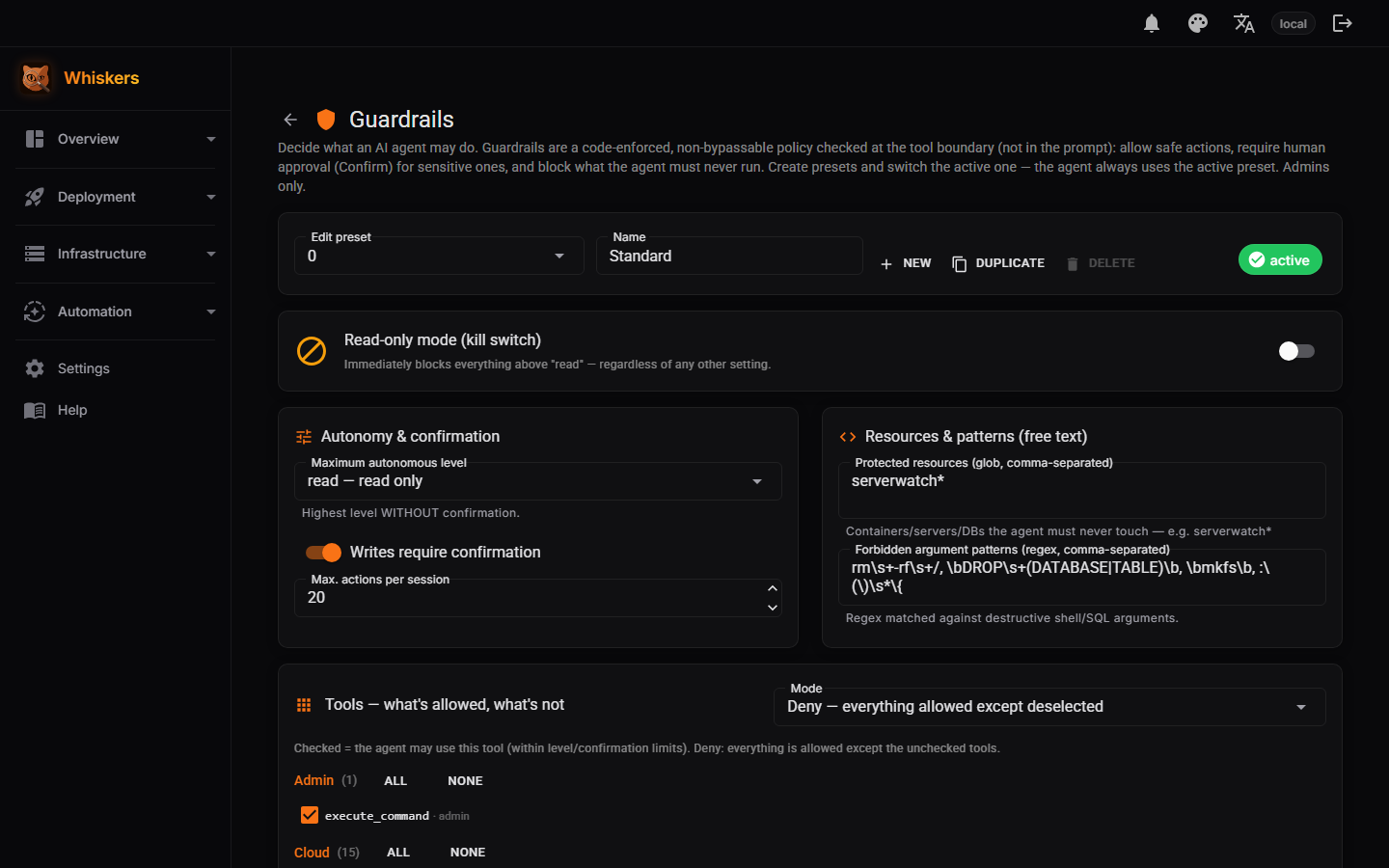
Guardrails are a policy evaluated server-side, at the tool boundary — not in the prompt. For the active preset each tool is Allow (runs), Confirm (pauses for a human), or Block (never runs). Because it is enforced in code, a jailbroken or mistaken model cannot talk its way past it.
4 · Human approvals
A Confirm tool pauses execution and raises an approval showing the actor, the tool, the target server and workload, the parameters (secrets redacted), the guardrail rule that triggered it, a rationale and an expiry. You approve or reject; the action runs exactly once and only with the approved arguments — or not at all.
5 · Secret redaction
Sensitive values are masked before anything is logged or persisted, so tokens and passwords never surface in the approval card, the history or the audit trail.
6 · Agent History & Audit Log
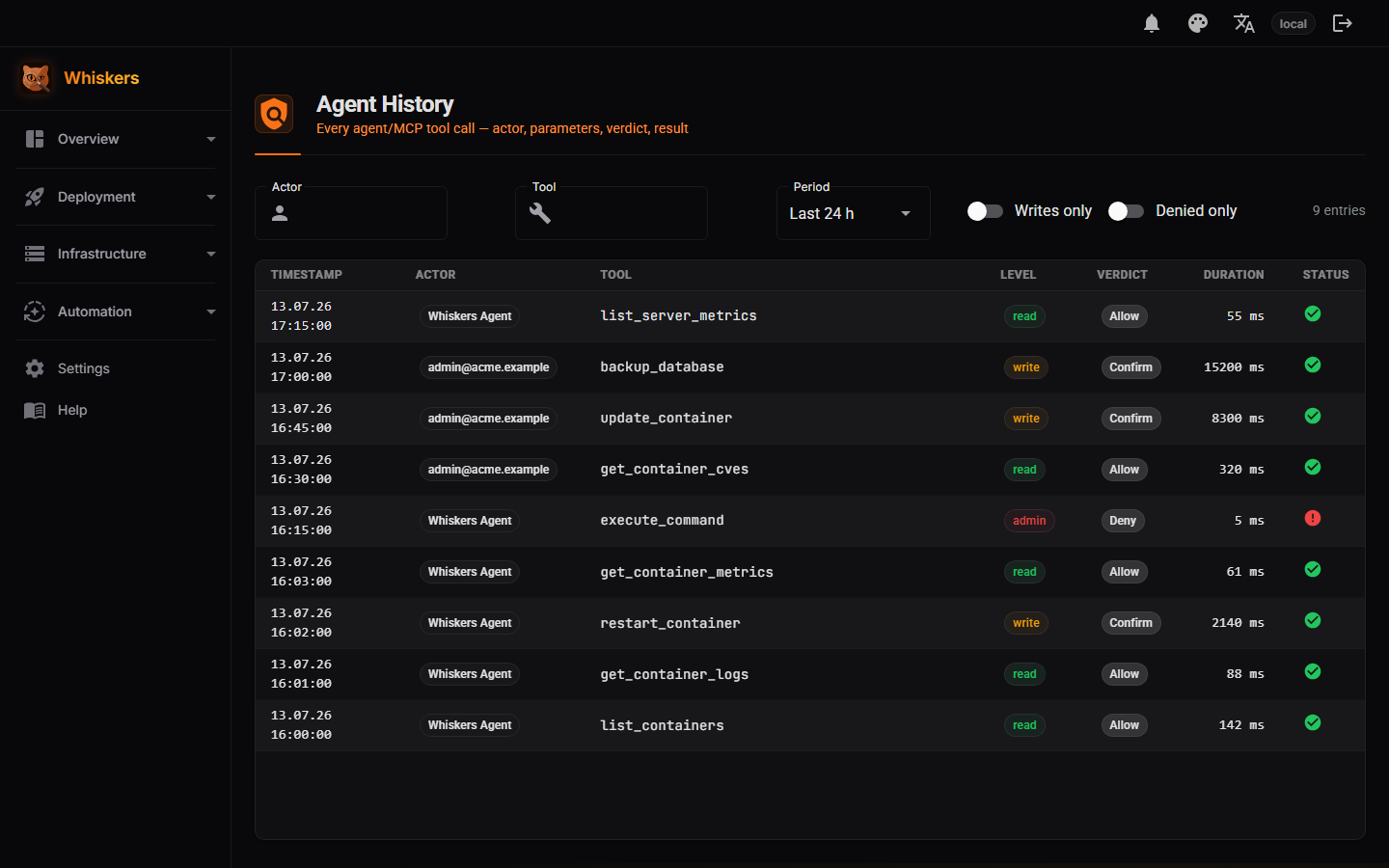
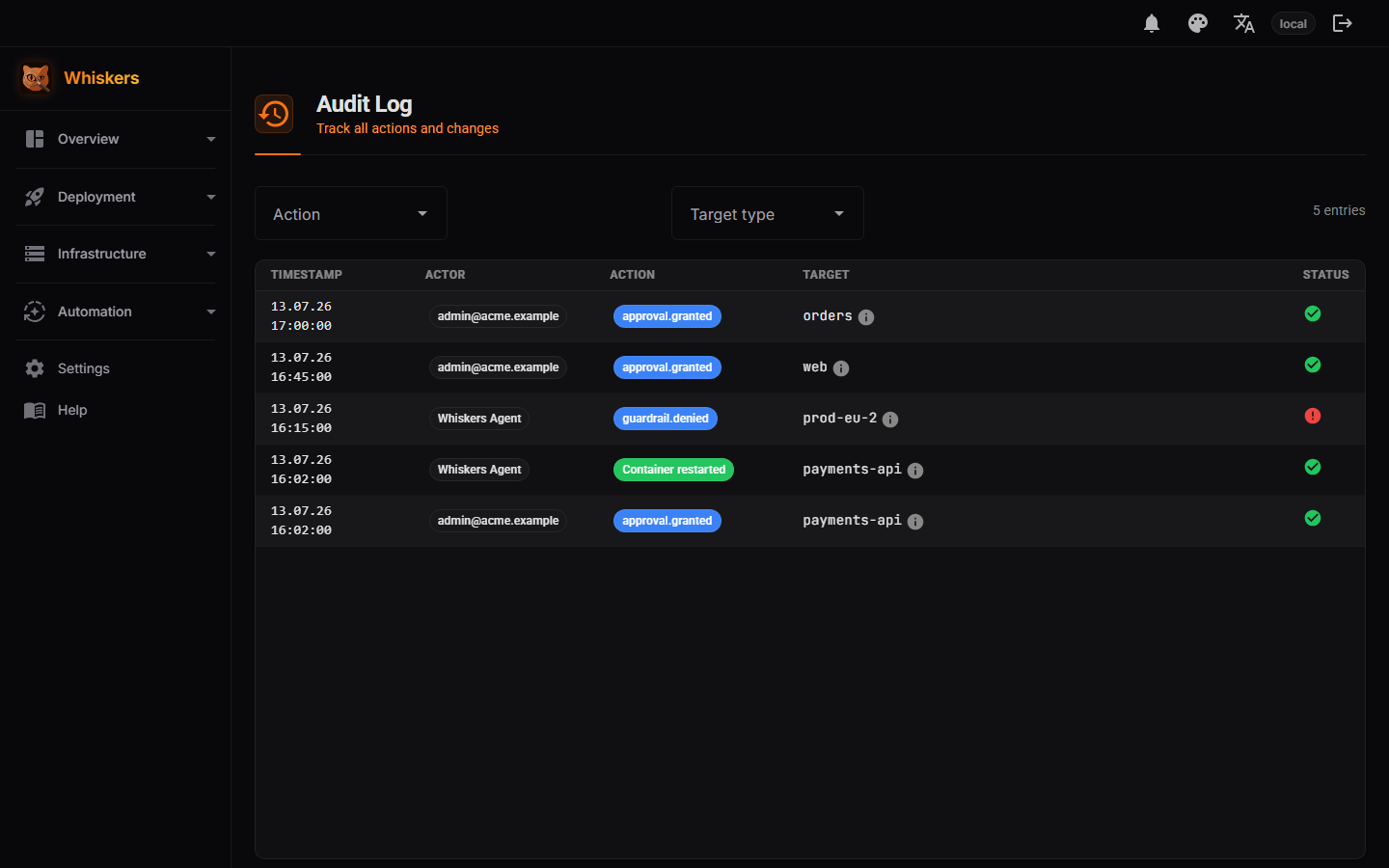
Agent History records every tool call an AI makes: tool, actor, guardrail decision, redacted parameters, result and duration. The Audit Log records human actions. Together they answer who did what, to which target, and what happened — tamper-evident, with one correlation id tying a call to its approval and its record.
Example: restart an unhealthy workload
- A container is unhealthy. The agent reads its status and logs with a read key.
- The agent proposes a restart. The active guardrail rates the restart tool Confirm — nothing runs yet.
- Whiskers raises an approval: actor, tool, target, redacted parameters, rule, rationale, expiry.
- You approve. Whiskers runs only the approved action, then verifies the workload.
- Agent History and the Audit Log show the full chain, deep-linked to the approval.
Prompt rule vs. server-side policy
This is the distinction that matters: a prompt rule is a request to the model and can be ignored. A server-side policy is enforced by Whiskers regardless of what the model “wants”. Whiskers puts the controls in the second place.
Set it up → Security architecture
See it in the product